5G
Network
1. Network Setting
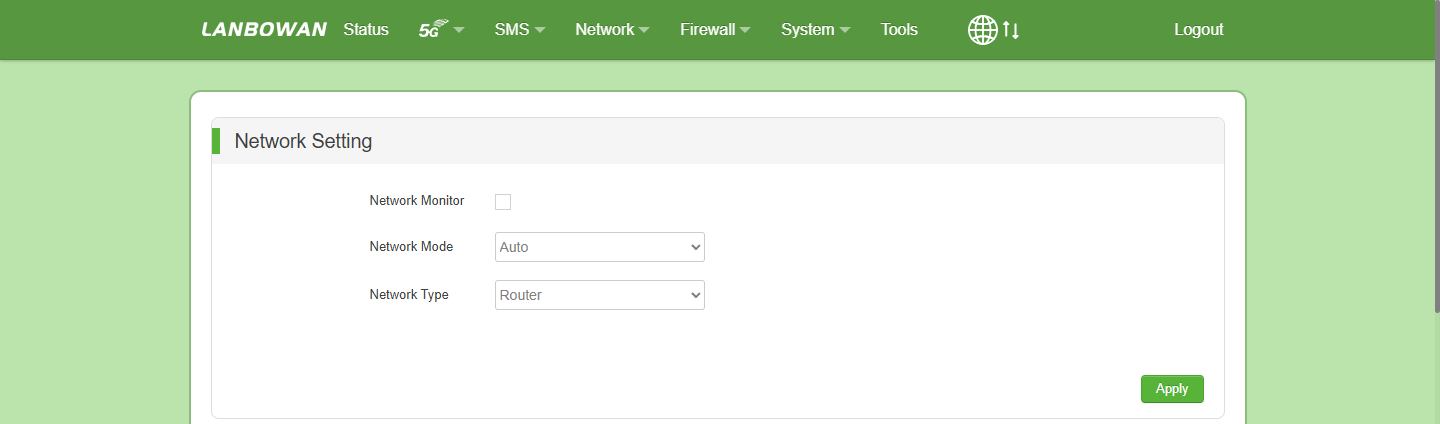
In the Network Setting page, enable Network Monitor to continuously check internet connectivity; if communication is lost, the system will auto-reboot after a 10-minute timeout to restore 5G services. Additionally, configure Network Mode for automatic carrier adaptation, or switch between Router and Bridge mode via Network Type to meet diverse networking requirements.
Parameter Description:
| Parameter | Description |
|---|---|
| Network Monitor | Enables the watchdog feature to continuously probe public-network reachability. If internet connectivity is lost for 10 minutes, the device automatically reboots to restore services. |
| Network Mode | Specifies the preferred radio access technology. Options include Auto (automatic selection), 5G, 4G, or 3G to adapt to different carrier networks and signal environments. |
| Network Type | Defines the WAN-side data forwarding mode. In Router mode, the CPE acts as a Layer 3 gateway with NAT; in Bridge mode, it operates as a transparent Layer 2 bridge, allowing downstream devices to obtain public IPs directly. |
2. Lock Band
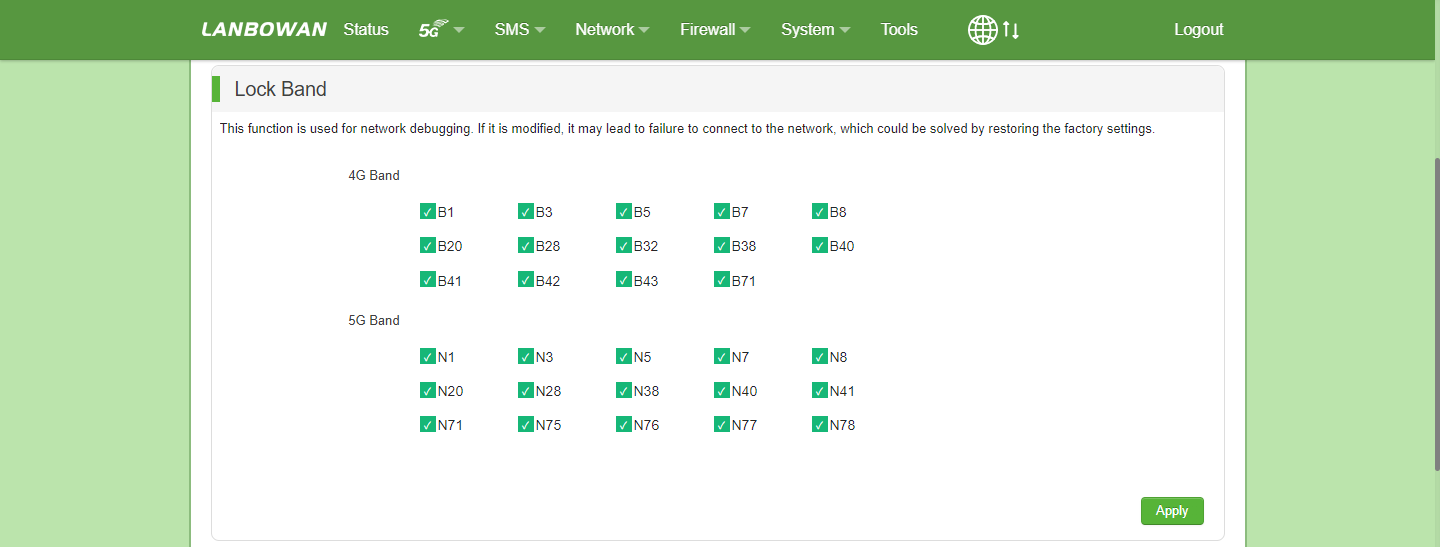
The Lock Band feature is designated for network debugging, allowing administrators to manually select and restrict specific 4G (B1-B43/B71) or 5G (N1-N78) frequency bands to optimize signal quality or mitigate interference. Note that improper modifications may lead to network connection failures, which can be resolved by restoring factory settings.
3. Lock Commumity
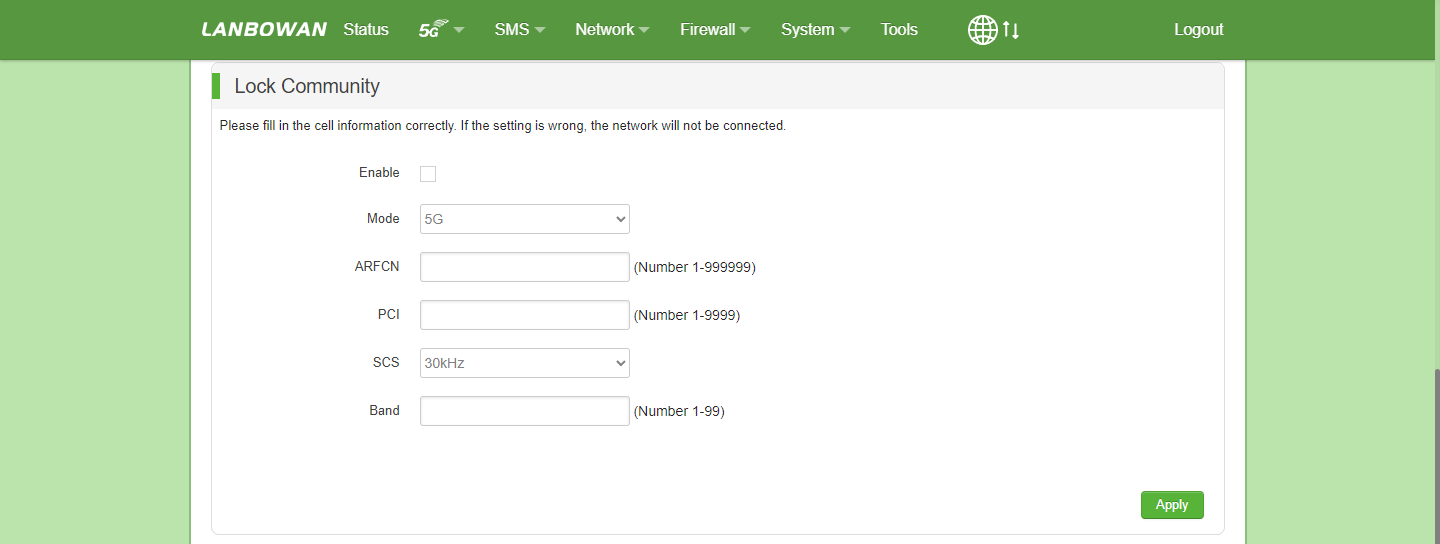
Lock Community is an advanced network debugging feature that, when enabled, allows precise specification of cell parameters such as Mode, ARFCN, PCI, SCS, and Band to force the device to connect exclusively to a specific base station cell, ensuring network stability or optimizing signal quality; please ensure all cell information is entered correctly, as incorrect settings will result in a loss of network connectivity.
Parameter Description:
| Parameter | Description |
|---|---|
| Enable | Toggles the Cell Locking feature. If enabled, the device will strictly connect only to the specified target cell based on the parameters below. |
| Mode | Specifies the Radio Access Technology for the target cell, such as 5G (NR) or 4G (LTE), to define the network generation to be locked. |
| ARFCN | Absolute Radio Frequency Channel Number (1-999999) used to precisely locate the center frequency of the target cell in the 5G NR or LTE spectrum. |
| PCI | Physical Cell Identifier (1-9999) serving as a short-term identification of the target base station cell within the network, preventing connection to incorrect cells. |
| SCS | Subcarrier Spacing (e.g., 30kHz), a core 5G NR physical layer parameter that defines the spacing between subcarriers and must match the target cell configuration. |
| Band | Specifies the standardized frequency band (1-99, e.g., N1, N28, B3) supported by the target cell to ensure protocol compatibility. |
4. Modify IMEI
The Modify IMEI feature allows advanced users to customize the International Mobile Equipment Identity, typically used for device spoofing on carrier networks, complying with specific allowlist policies, or resolving network restrictions caused by the factory-assigned IMEI; please ensure the input is a valid 15-digit number, as non-compliant entries may prevent the device from registering with the carrier network.

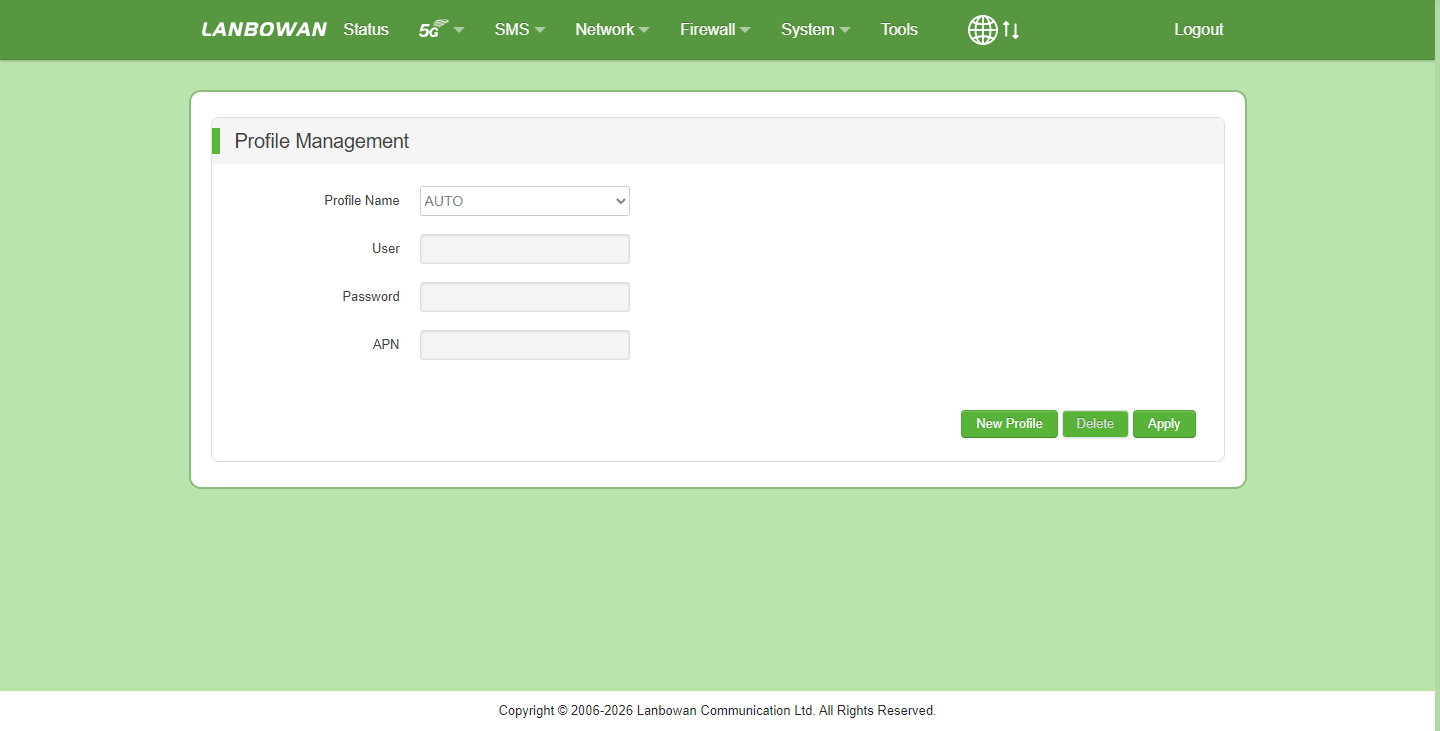
APN
The Profile Management feature is used to create, edit, or select cellular network connection profiles, allowing administrators to customize key parameters such as Profile Name, Access Point Name (APN), User, and Password to ensure the 5G/4G CPE accurately matches various carrier network access policies and establishes data connectivity, while also supporting an "AUTO" mode for automatic default configuration retrieval.
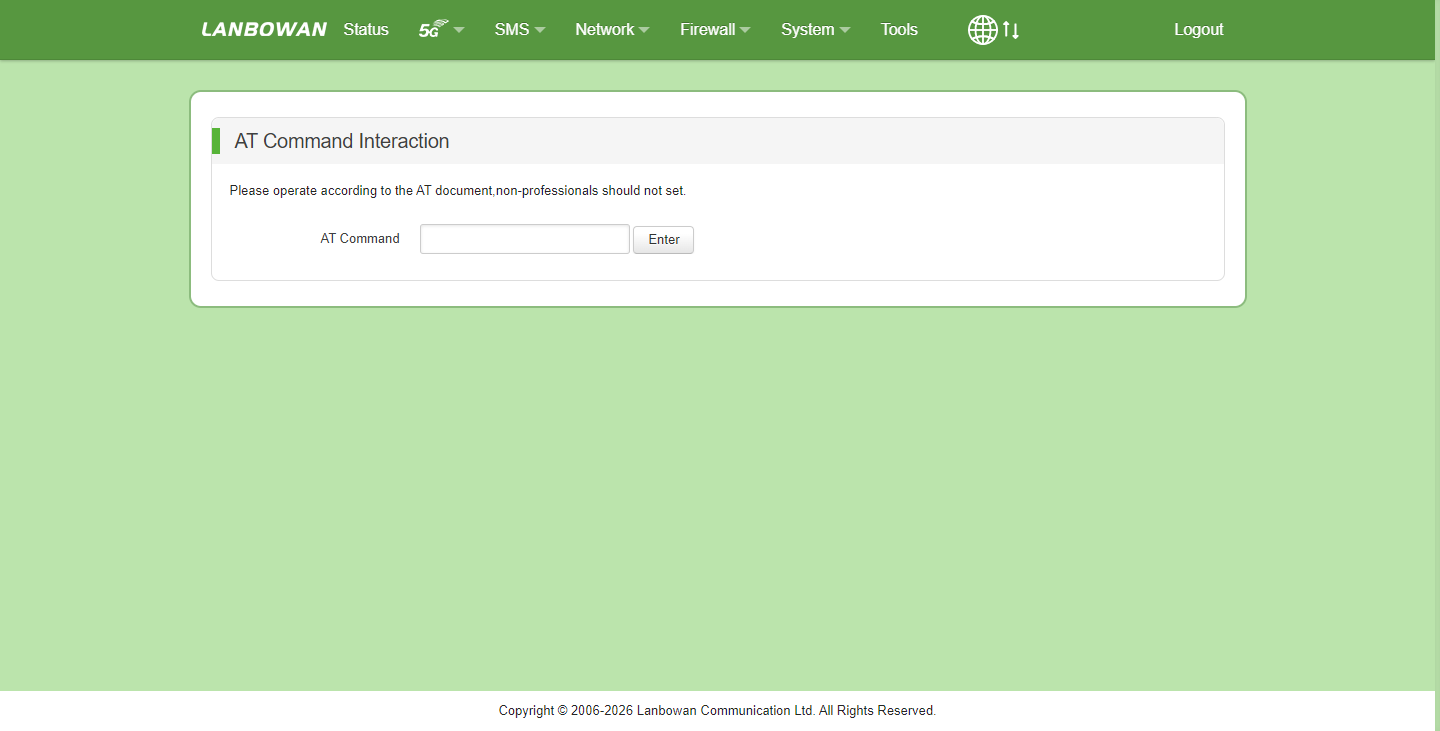
AT Command Interaction
The AT Command Interaction is an advanced debugging feature for professional developers that allows direct input of standard Hayes AT commands (e.g., for querying signal strength, locking frequency bands, or modifying IMEI) to control the underlying 5G/4G communication module; as improper commands may cause device crashes or network outages, non-professionals are strongly advised to retain the default settings.
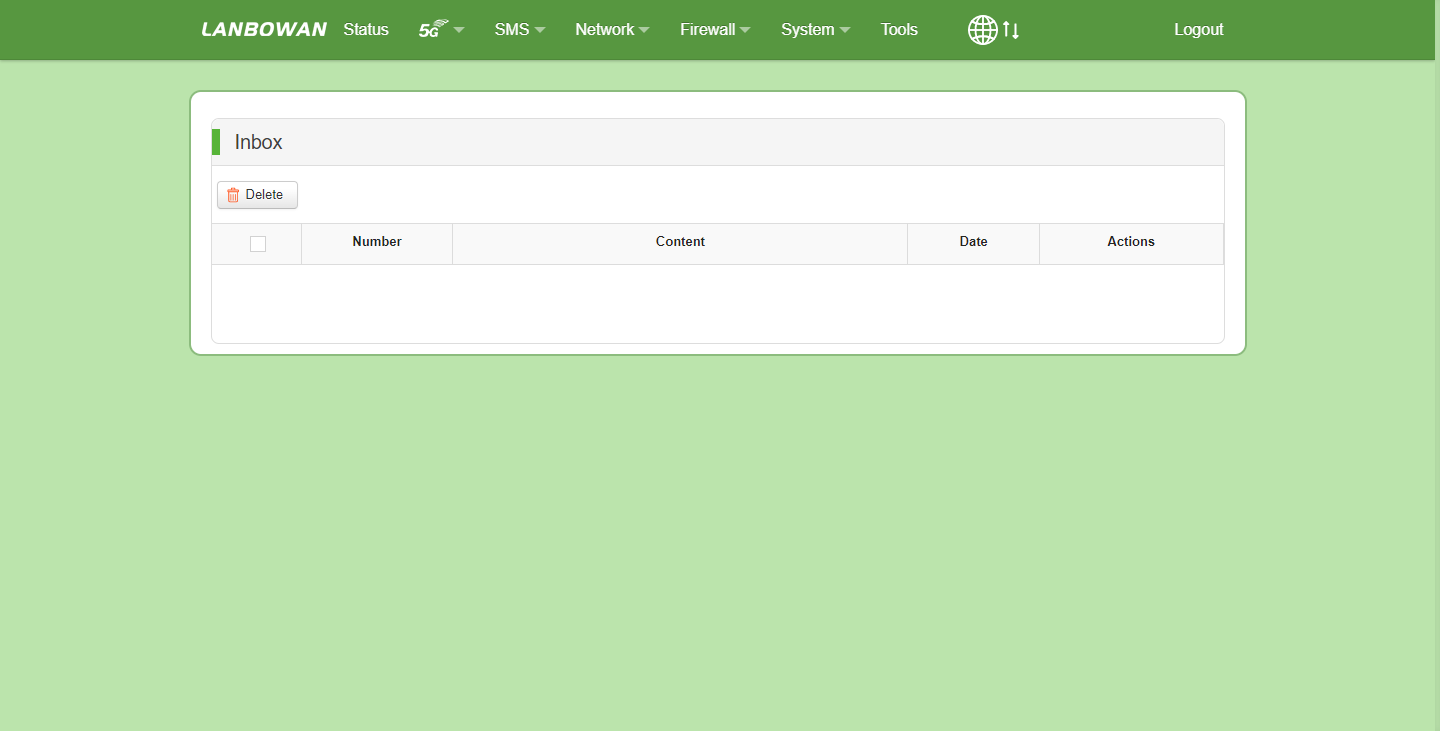
Inbox
The Inbox feature centrally stores and manages all incoming SMS messages received by the device via the SIM card, intuitively displaying the sender number, message content summary, and reception date in a list format; it supports single or bulk deletion operations and allows viewing full message details via the Actions column, serving as the core module for receiving carrier network notifications, alerts, and verification codes.
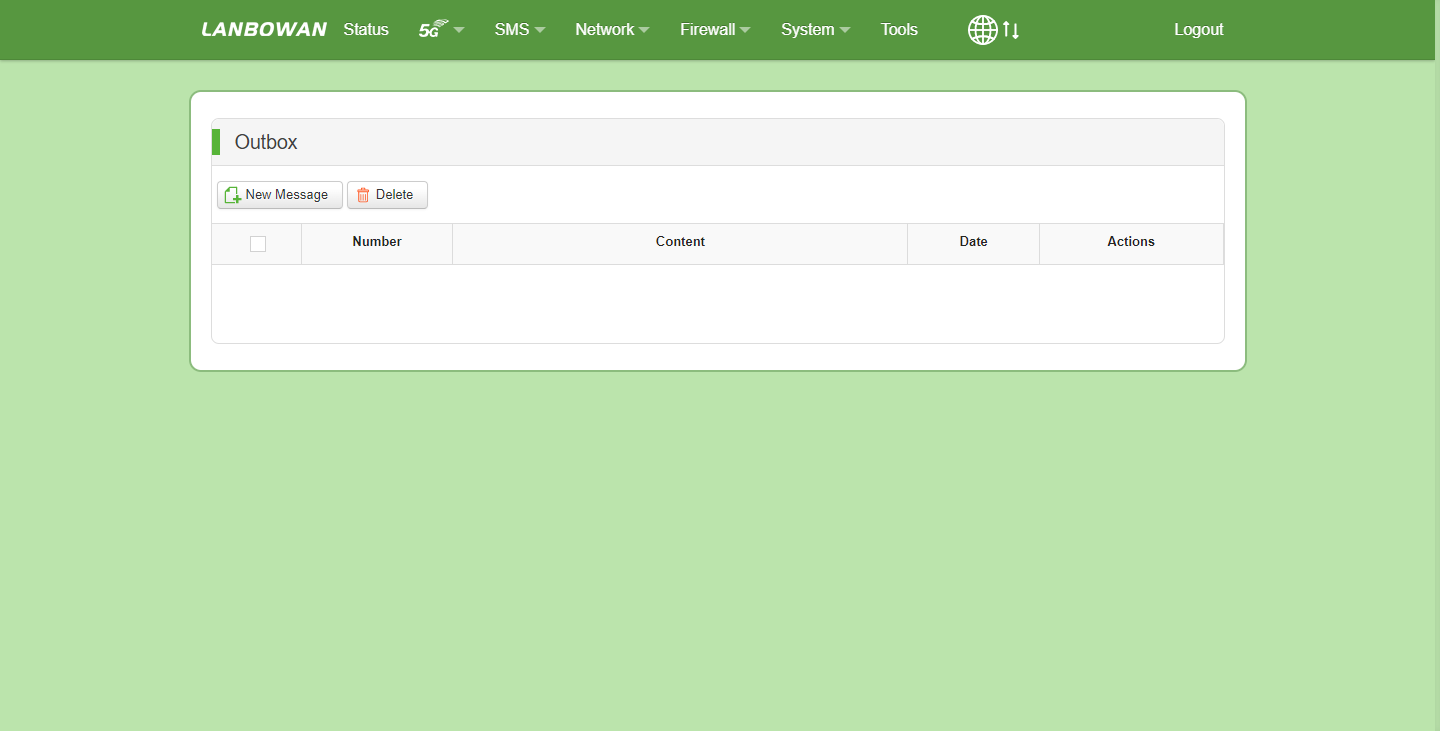
Outbox
The Outbox feature centrally archives and manages records of successfully sent outgoing SMS messages via the device's SIM card, clearly displaying the target recipient number, message content summary, and precise sending date in a list format; it supports administrators in quickly composing new messages or performing single and bulk deletions, with the ability to trace historical communication details via the Actions column, serving as a core module for ensuring remote command delivery and operation/maintenance information traceability.
New Message
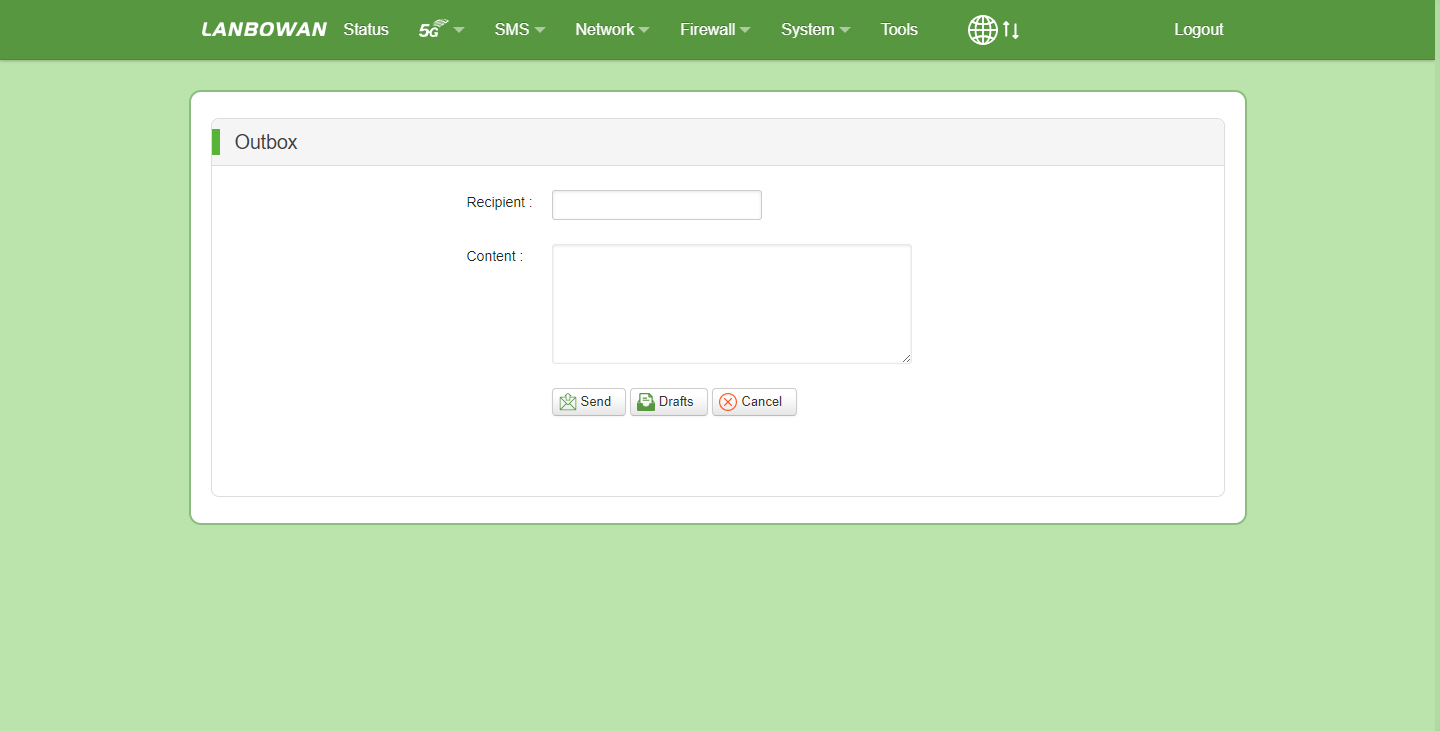
The New Message (Compose SMS) interface provides administrators with an intuitive entry point for editing and delivering text messages, supporting the input of the target recipient number and custom message content, with flexible options to Send immediately, save to Drafts, or Cancel the operation, serving as the core interaction module for device remote O&M notifications, network alert pushing, and point-to-point communication.
Drafts
The Drafts feature securely stores unsent SMS content, target numbers, and editing records, supporting operations such as retrieving historical drafts by date, performing bulk deletions, or continuing to edit, effectively preventing the accidental loss of important messages and enhancing SMS management efficiency on the device during offline or unstable network conditions.